
Table of contents
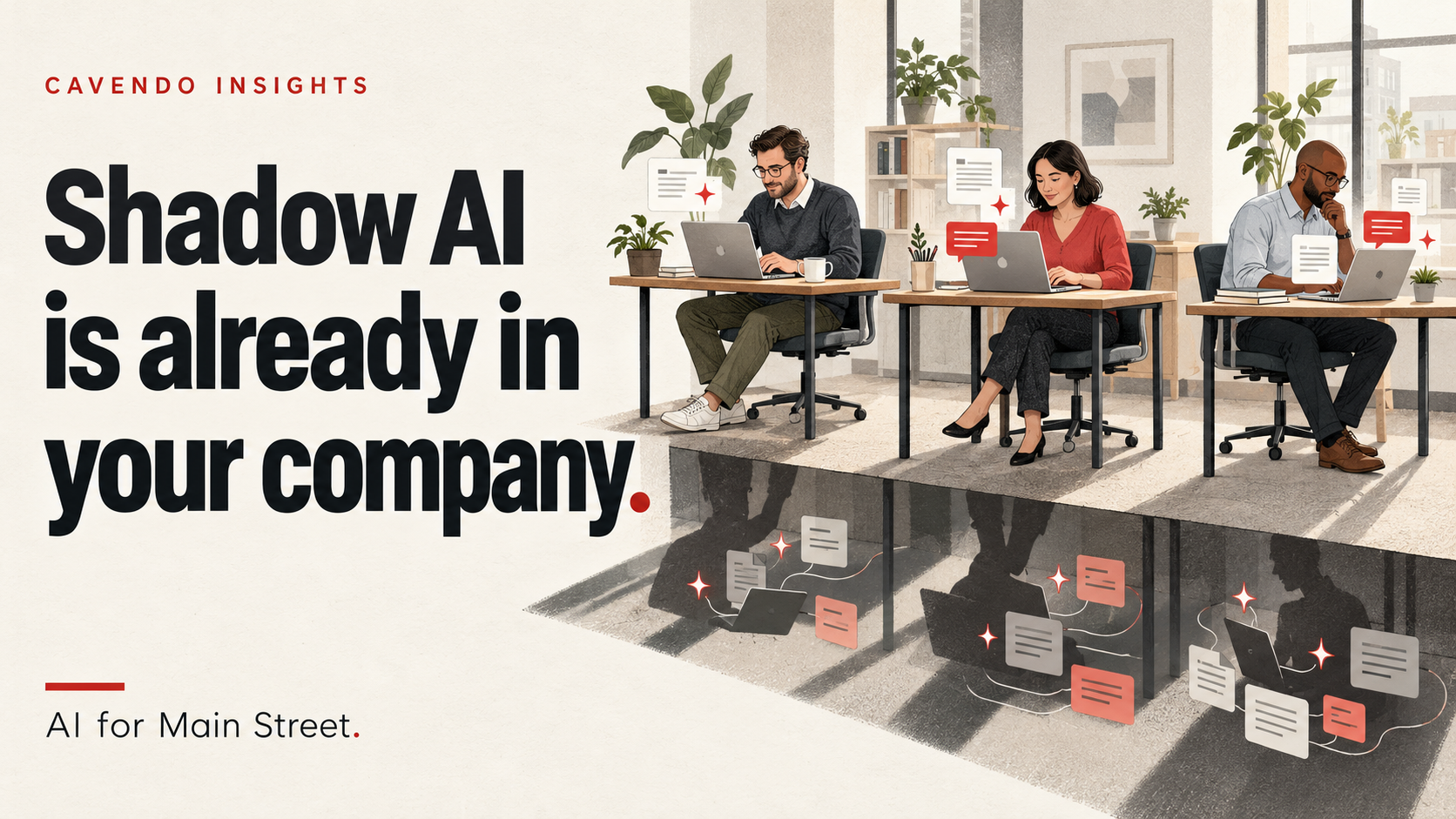
If you’re asking “how do we start using AI in our company?”, there’s a good chance it has already started. People began experimenting before the company decided how to support them.
It’s a pattern we see in first conversations with leaders. They want to talk about getting started with AI. A few minutes in, it turns out people across the company are already using ChatGPT, Copilot, or other tools on their own. There’s no policy, no one knows what data has gone where, and nobody owns it.
That’s shadow AI. It isn’t a reason to panic. It’s a sign people are already finding ways AI might help, and it’s the first thing to sort out.
What is shadow AI?
Shadow AI is the use of AI tools or accounts for work without company approval or oversight. It’s the AI version of “shadow IT,” the old problem of employees signing up for apps on their own.
It usually looks harmless:
- Pasting a customer email into a free chatbot to draft a reply
- Uploading a spreadsheet to get a quick summary
- Using a personal ChatGPT account to write a proposal
- Connecting an AI assistant to a work inbox or shared drive “just to try it”
- An AI note-taker joining client calls
None of these people are doing anything malicious. They’re trying to get their work done faster. That’s exactly why it spreads.
How common is it?
More common than most leaders think. In a BlackFog survey of 2,000 US and UK employees at companies with more than 500 people, 49% said they use AI tools their employer hasn’t approved.
Small companies tend to have even less guidance. In a 2026 survey of US workers, 59% of people at companies with fewer than 10 employees said there was no AI policy or they weren’t sure one existed.
Why it happens
Shadow AI grows wherever useful tools arrive faster than company guidance. The reasons are ordinary: the free tool is right there, it saves time, and nobody said what was allowed.
It isn’t only junior staff, either. In our experience, the owner or a principal is often one of the first people in the company using AI, and some employees are paying for their own subscriptions.
The real risk
The risk isn’t that AI is dangerous. It’s that company and customer data ends up in places you don’t control, and nobody knows it happened.
- Personal accounts. Work done in a personal AI account can leave the company without reliable access to its own work when that employee leaves.
- Connected systems. Pasting a paragraph is one thing. Connecting an AI assistant to a shared drive or inbox can give it access to whatever that employee can open, depending on how it’s set up. For many employees, that’s years of client files.
- Unchecked answers. AI makes mistakes. Without a review step, those mistakes go straight into proposals, client emails, and reports.
- No paper trail. When a customer or partner asks how their data is handled, “we’re not sure” is a hard answer to give.
Why a ban alone isn’t enough
Telling everyone “don’t use AI” tends to make the use invisible rather than make it stop. People move it to their phones and personal accounts, where you have even less visibility.
A ban also throws away the upside. Your team found these tools because they save real time. The goal is to keep that time savings and remove the blind spots.
The upside: your team has already been experimenting
Shadow AI is also a map of where AI is already useful in your company. Somewhere on your team, someone has figured out how to draft a quote in ten minutes, or summarize a long contract before a call, or answer routine inquiries faster.
Finding those experiments lets you do four things:
- Test it. Check whether the time savings hold up after review and corrections.
- Make it safe. Move the useful work onto approved accounts, with the right data and a review step.
- Share what works. One person’s proven shortcut becomes a standard way of working for the whole team.
- Pick your first real projects. The best places to invest are usually where people are already reaching for AI on their own.
Start with five questions
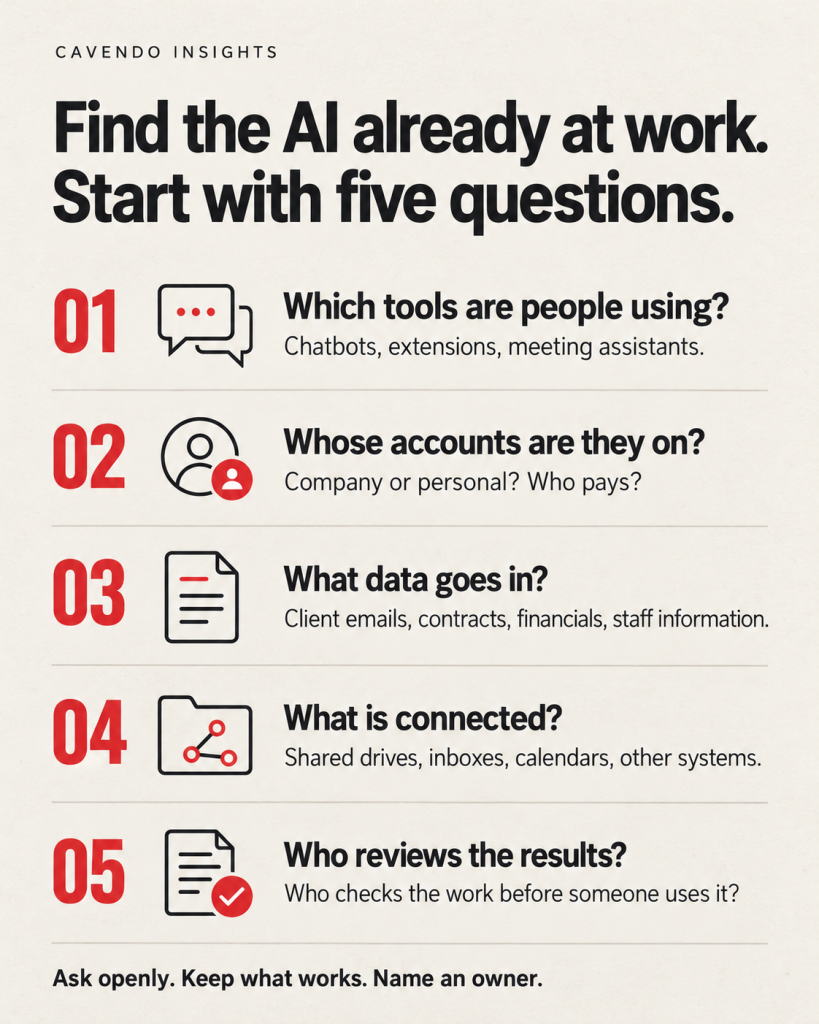
You can’t tell from the outside whether shadow AI is happening. You have to ask. Do it openly and without blame, so people tell you what they actually use.
- Which AI tools are people using for work? Include free tools, browser extensions, and AI note-takers.
- Whose accounts are they on? Company accounts, personal accounts, paid by the company or personally?
- What data goes in? Client emails, contracts, financials, employee information?
- What is connected? Is any AI tool linked to a shared drive, inbox, calendar, or other system?
- Who reviews the results? Does a person check AI output before it reaches a client or a record?
The answers tell you where the risk is and where the value is.
Then take the first steps
- Write a one-page policy. Which tools are approved, what data never goes into AI, and when a person must review the output.
- Give people a better approved option. Shadow AI shrinks when the approved path is easier than the workaround.
- Share the experiments that work. Once the time savings hold up after review and corrections, make the best shortcuts how the whole team works.
Someone has to own it
A one-page policy is a good start, not a finish line. AI tools change monthly, and the job keeps going:
- Keep the list of approved tools current
- Review what each tool is connected to
- Train new staff, and refresh everyone as tools change
- Remove access when people leave
- Check whether the work is actually getting faster and better
In most smaller companies, nobody has time for that on top of their real job. That’s why some bring in an outside AI Officer: someone accountable for choosing tools, building useful workflows, and managing access, reviewing results, and improving the work over time.
Not sure what’s already in use at your company? Talk with us. We’ll help you find it, keep what works, and put someone in charge of it.
Next in this series: How to Bring AI Into Your Company Safely, which walks through what to do once you know what’s in use.
Common questions
What is shadow AI in simple terms? Any AI tool used for work that the company didn’t approve or doesn’t know about.
Is shadow AI illegal? Usually not by itself. The risk comes from what data goes into it. Customer, employee, financial, or health information may be covered by contracts or privacy rules.
Should we just block ChatGPT? Blocking tends to push use onto personal phones and accounts, where you have even less visibility. An approved tool plus clear rules works better.
Do small businesses really need an AI policy? Yes, and it can be one page. Small companies are less likely to have one. Start with clear rules about approved tools, sensitive data, and when someone must review the results.
How do we get started with AI the right way? Find out what’s already in use, set simple rules, pick one or two useful jobs to start with, and make someone responsible. Our next post walks through it step by step.
Share this article

Jonathan Arehart
Founder at Cavendo. In 2000, I started Cavendo building websites. Today, we build practical AI and software systems that help businesses work smarter.