
Table of contents
- Analytics Was Still Built for People Clicking Through Dashboards
- What We Launched
- What an Agent-Run Setup Actually Looks Like
- Why We Added MCP Instead of Stopping at an API
- One Source of Truth Instead of a Stitched Analytics Stack
- What We Learned From Launching an Agent-Operated Product
- The Dashboard Is No Longer the Product Boundary
Analytics Was Still Built for People Clicking Through Dashboards
We had been running ezStats as a straightforward web analytics product for years. It collected the numbers we actually cared about and presented them without the maze of reports, dimensions, and configuration that makes Google Analytics feel like a separate profession.
Then the way we worked changed.
AI agents were building landing pages, deploying applications, editing websites, and monitoring production systems. But the analytics step still stopped the workflow. A person had to create an account, add a property, copy a tracking snippet, find the right place to install it, confirm that data was arriving, create goals, and then keep returning to a dashboard to interpret the results.
That did not make sense. If an agent could build and deploy the site, it should also be able to instrument it, check that the instrumentation works, and report what happens next.
That became the new product direction for ezStats: analytics your agent can deploy and run, with the dashboard and control still available to you.

What We Launched
The 2026 version of ezStats is built around three equal ways to use the same platform:
| Interface | Who uses it | What it is for |
|---|---|---|
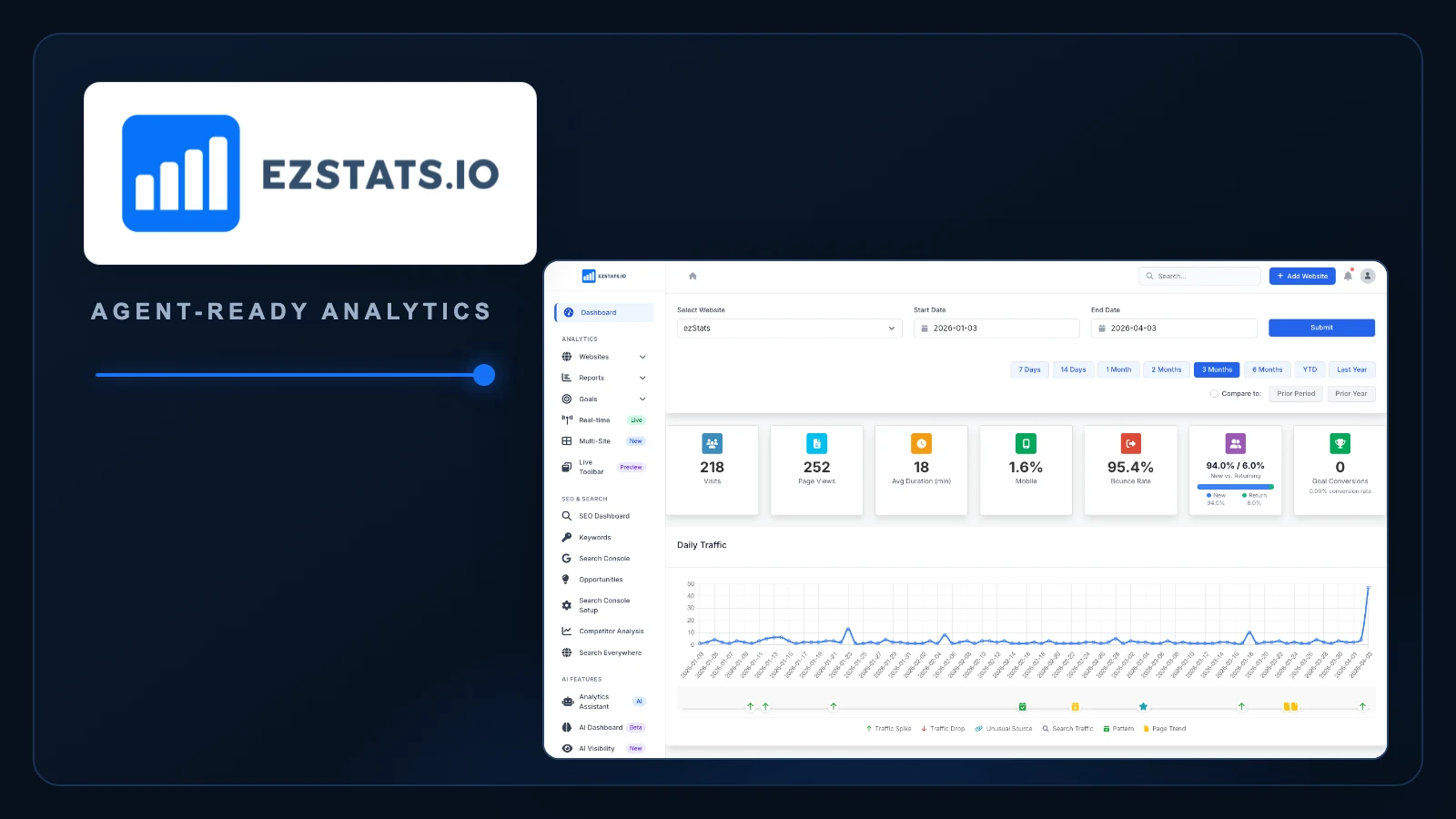
| Dashboard | People | Review traffic, search performance, AI visibility, heatmaps, goals, funnels, and reports visually. |
| REST API | Software and workflows | Provision sites, retrieve analytics, manage configuration, and connect ezStats to other systems. |
| MCP server | AI agents | Give an authorized agent a structured way to set up sites, answer analytics questions, configure supported features, and monitor results. |
The dashboard is not a fallback and the agent interface is not an add-on. They operate on the same accounts, sites, and data. A business can inspect everything directly while an agent handles the repetitive operating work.
What an Agent-Run Setup Actually Looks Like
An agent with permission to access your site or deployment platform can carry the setup from a request to verified analytics:
- Create or access the ezStats account. The agent starts on the Free plan or prepares billing for a paid plan.
- Create the website in ezStats. The site receives its own identifier, tracking token, and configuration.
- Retrieve the tracking code. The agent asks ezStats for the correct snippet instead of inventing configuration.
- Install the tracker. With access to the CMS, repository, or deployment platform, the agent adds the snippet in the right place.
- Verify the installation. The agent checks the live site and asks ezStats whether tracking is active.
- Configure the useful parts. It can add goals, connect supported search data, and prepare reporting based on the permissions and plan available.
- Keep watching. The agent can pull traffic, pages, sources, realtime activity, and other authorized metrics through the API or MCP server.
The important distinction is that this is not a simulated demo. Account provisioning, site creation, snippet retrieval, setup verification, analytics queries, and supported management actions are part of the product’s machine interface.
Agents still need authority. An agent cannot—and should not—modify a website it cannot access. ezStats also sends account access and verification messages to the human owner. The goal is to remove repetitive setup and dashboard operation, not ownership or accountability.
Why We Added MCP Instead of Stopping at an API
A REST API is the durable interface for software. MCP gives an AI client a discoverable set of tools with names, inputs, and structured results it can reason about during a conversation.
That changes the experience from “write an integration against these endpoints” to requests like:
- “Add analytics to the landing page I just deployed.”
- “Tell me which traffic source produced the most waitlist signups this week.”
- “Check whether tracking is working on all of our sites.”
- “Create a goal for the confirmation page and summarize it every Monday.”
- “Which pages gained search impressions but lost clicks?”
The agent still makes explicit, authorized tool calls underneath. MCP simply makes those capabilities legible to the agent and reusable across compatible clients.
One Source of Truth Instead of a Stitched Analytics Stack
The second product decision was just as important: agent access is only useful if the agent can see enough of the picture.
Traffic in one tool, Search Console in another, heatmaps in a third, and AI visibility in a fourth creates the same problem for an agent that it creates for a person. The operator spends time reconciling systems before doing anything useful.
ezStats brings the working set together:
- Realtime and historical traffic analytics
- Traffic sources, pages, devices, geography, and campaigns
- Goals, events, funnels, and conversion rates
- Search Console data, keywords, competitors, and content gaps
- AI-assistant referrals, brand mentions, and citations
- Heatmaps, scroll depth, and user flows
- Company-level visitor intelligence where available
- Automated reports, alerts, and multi-site views
Not every feature belongs on every plan, and not every agent should receive write access. The design principle is that the available information and actions live behind one consistent platform, not a collection of browser tabs.
What We Learned From Launching an Agent-Operated Product
“Agent-friendly” has to mean more than publishing documentation
An agent needs stable identifiers, predictable responses, clear errors, scoped credentials, and a way to verify that an action worked. A setup endpoint without verification simply moves uncertainty somewhere else.
The human handoff is part of the product
When an agent creates an account, the person responsible for it still needs direct access. ezStats sends the owner what they need to verify the account, enter the dashboard, and understand what was configured.
Read access and write access should not be treated the same
Answering “what happened?” is different from changing billing, adding a competitor, or creating a new report. Capabilities, plan limits, and credentials need to reflect that difference.
Agents need clean data even more than people do
A person can sometimes recognize a suspicious referral or mentally discount bot traffic. An automated report will confidently summarize bad inputs unless the analytics platform filters and classifies them first.
The Dashboard Is No Longer the Product Boundary
Traditional analytics assumes the customer is a person who signs in and clicks around. We think the more useful model is a shared analytics layer: people can inspect it, software can query it, and authorized agents can operate it.
That is why we rebuilt ezStats around the dashboard, API, and MCP server together. The agent can do the routine work without turning the system into a black box. You keep the account, the data, the dashboard, and the decision.
Explore ezStats, review the platform features, or read the MCP guide.
Share this article

Jonathan Arehart
Founder at Cavendo. In 2000, I started Cavendo building websites. Today, we build practical AI and software systems that help businesses work smarter.